In this guide 11 sections
Most lists of the best lawn care website builders are written by people who have never quoted a lawn. They rank builders on template counts and online store features. A mowing business needs none of that. It needs the phone to ring.
I have been in lawn care since 1992 and built three lawn businesses from scratch. I have built my own sites on WordPress and I have tried the drag-and-drop builders. Today I look after more than 50 lawn care websites and Google Business Profiles in New Zealand, Australia and the USA. So I have seen what works for a mowing business and what just looks nice.
Straight up: I sell one of the options on this list. It is number 7, and I will tell you who it is not for as well as who it is for. Prices are in USD and were checked in September 2026. Builders change their prices a lot, so check before you pay.
The short answer
- You like computers and have a few spare evenings: Wix. Easiest builder to get a decent lawn care site out of on your own.
- You want the cheapest possible sticker price: Hostinger, but read the renewal price first.
- You want it to grow into a big site with a blog: WordPress, if you are willing to learn it.
- You would rather be mowing: get it built for you. Either pay a web designer, or have me build it first and only pay if you keep it.
What a lawn care website actually has to do
Before you pick a builder, know what you are building. A lawn care website has one job. Get a homeowner to call you or send a quote request. It is not there to entertain anyone.
Whatever builder you use, your site needs these:
- A Call Now button in the top right corner. It is the best spot on the page. Most people looking for a lawn guy are on a phone, and one tap should have them talking to you.
- Your town at the top of the page. I see lawn businesses online every week with no location anywhere. The customer has no idea if you even work in their area.
- Six services at most. Nobody reads a laundry list.
- A short quote form for the people who will not ring. Make it go to your phone so you see it the minute it comes in. The first lawn guy to reply usually gets the job.
- Real photos of your own work. A bad photo of your own trailer beats a perfect stock photo of a lawn in another country.
- Your reviews on the page. If two sites look the same, the one with reviews wins.
- The words customers type. On my own Google listing, the top search that found me was “lawn mowing hamilton”. “Lawn care hamilton nz” came dead last. We say lawn care. Customers say lawn mowing. Write your pages in their words.
Every builder below can do all of that. The difference is how much of it you have to do yourself, and what it costs you in time.
More: How to create the best lawn care website goes through each of those in detail.
1. Wix
Price: the Light plan is $17 a month, paid yearly. There is a free plan, but it has no domain of your own, so skip it for a business.
Wix is drag and drop. You pick a template, drag blocks around like a header, services, gallery and contact form, then change the words. It is the builder I would point most lawn guys to if they want to do it themselves.
Good: easy to learn, plenty of templates, hosting included. You can have something live in a weekend.
Watch for: a template is a starting point, not a lawn care site. You still write every word, take the photos, set up the form and make it look right on a phone. That last one catches people. I have seen Wix sites that look great on a computer and fall to pieces on a mobile.
2. Squarespace
Price: Basic is $19 a month, paid yearly.
Squarespace is the good-looking one. The templates are clean and it is hard to make an ugly site with it.
Good: polished look, simple to run once it is set up.
Watch for: it is built for designers and shops more than trades. It will look nice. It will not tell you where to put the Call Now button or what to write about edging. Same as Wix, the work is all yours.
3. GoDaddy
Price: Starter is $9.99 a month billed yearly. That is a first-year rate, and GoDaddy does not publish what it goes up to.
GoDaddy has an AI builder that writes a first draft of the site for you. A lot of lawn guys end up here because they bought their domain from GoDaddy and it offered a site at checkout.
Good: fast to get a first version up, domain and site in one place.
Watch for: the AI writes the same site for everyone. You will get lines like “we are passionate about outdoor spaces”. Rewrite them in your own words. And put a reminder in your phone for the renewal date.
4. Hostinger
Price: $2.99 a month, but only on a 48-month term paid upfront. It renews at $10.99 a month.
Hostinger is the cheapest builder around. It is a basic drag-and-drop builder with AI help.
Good: hard to beat on price if you are happy to pay for four years in one go.
Watch for: that $2.99 is the number on the ad. The number on the renewal is over three times that. It is still cheap. Just know what you are signing up for.
5. WordPress
Price: the software is free. You pay for hosting and a domain on top, and often for plugins.
WordPress is what most of the internet runs on. This site ran on it for years. It can do anything, and it is the best of the lot for a blog, which is how you pull in Google searches over time.
Good: no limits. If you want to write about lawns every week and grow into a big site, it is the one.
Watch for: it is a much steeper learning curve than the others. You are the one doing the updates, the backups and the security, or paying someone to. It is a hobby as much as a website. Most solo lawn guys do not have the time for it in spring.
One thing that is not on this list: a free website from Google. Google Business Profile used to give you a basic site. It shut those down in 2024. Your Google profile is still the most important thing you have online, but it does not come with a website any more.
More: Google Business Profile for lawn care: why you are not showing up
6. Paying someone to build it
Price: anything from a cheap Fiverr job to the $2,000 or so most agencies quote a lawn business.
This is where you hand it over. A freelancer or an agency builds the site, and you mow.
Good: it gets done without eating your weekends.
Watch for: you usually pay the lot up front, before you have seen the finished thing. Then changes cost extra, hosting is a separate bill, and some of them keep your domain in their name, so you cannot leave without losing your web address.
I learned this the hard way. Years ago I paid an agency $5,000 to market my lawn business and they did nothing. I took them to court. To prove they were not doing their job, I had to learn what they were meant to be doing. I won, and I came out of it knowing how to market a lawn business. It is the reason I do this now.
7. Lawnmowing101 (mine)
Price: the build is free. If you keep the site, it is $59 USD a month. No setup fee, no contract, cancel any time.
This is the one I sell, so weigh that. Here is how it works. You fill in a two-minute form with your business name, your town and what you do. I build the site, usually live within 72 hours on your own domain. You look at the finished thing. If you do not love it, you owe nothing and that is the end of it. If you do, it is $59 a month from there.
That $59 covers:
- Your website, with changes made within 48 hours at no extra charge
- Your Google Business Profile, built from scratch or fixed up
- A lead capture chat that asks a homeowner a couple of questions at 8pm and sends you the answers
- A quote form and a Call Now button
- Your own domain, registered in your name, so it is yours if you ever leave
- A professional email that matches your site, so you stop quoting from a Gmail address
- Hosting, support, and a dashboard showing your calls and quote requests
One add-on, if you want it: Review Robot for $10 USD a month more. It texts one past customer a night and asks for a Google review. More reviews push you up Google Maps, and homeowners call the business with 40 reviews before the one with 3. So more reviews means more calls, sooner. You can also get it on its own for $29 USD a month.
No photos needed either. I have about 2,000 real lawn care photos ready to go until you have your own.
Every site gets the checklist from the top of this post, because I am a lawn guy first. I still mow my own round in Hamilton under the Gecko Lawns name, and that listing sits first on Google for “lawn mowing hamilton” with 87 reviews at 4.9 stars. The sites I build are set up the same way as my own.
Here is what one owner wrote on Trustpilot after his build:
“The speed, clarity and understanding for what I will want and need as a service is incredible. Would highly recommend to anyone needing this type of service. Thank you Stuart for how easy you’ve made the decision for me.”
Johnny Batten, 5 stars
Who it is not for: if you enjoy building websites and have the evenings for it, use Wix and save the money. If you want an online shop, go elsewhere. I build sites that get a lawn business more calls, and that is all they do.
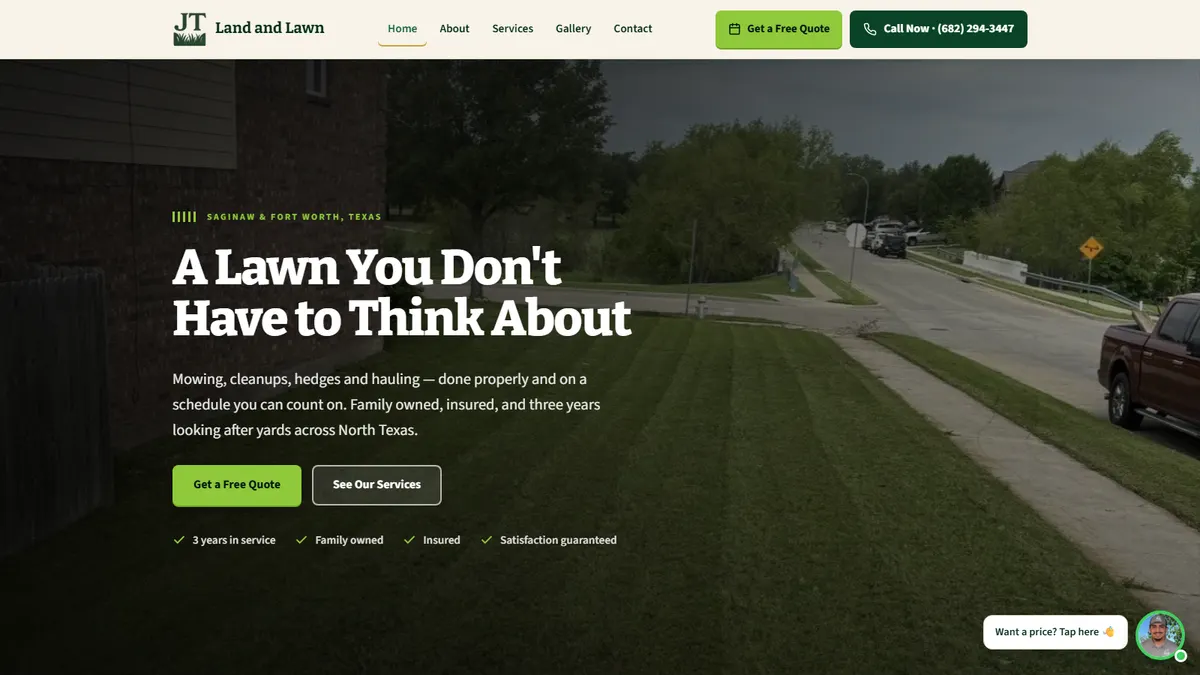
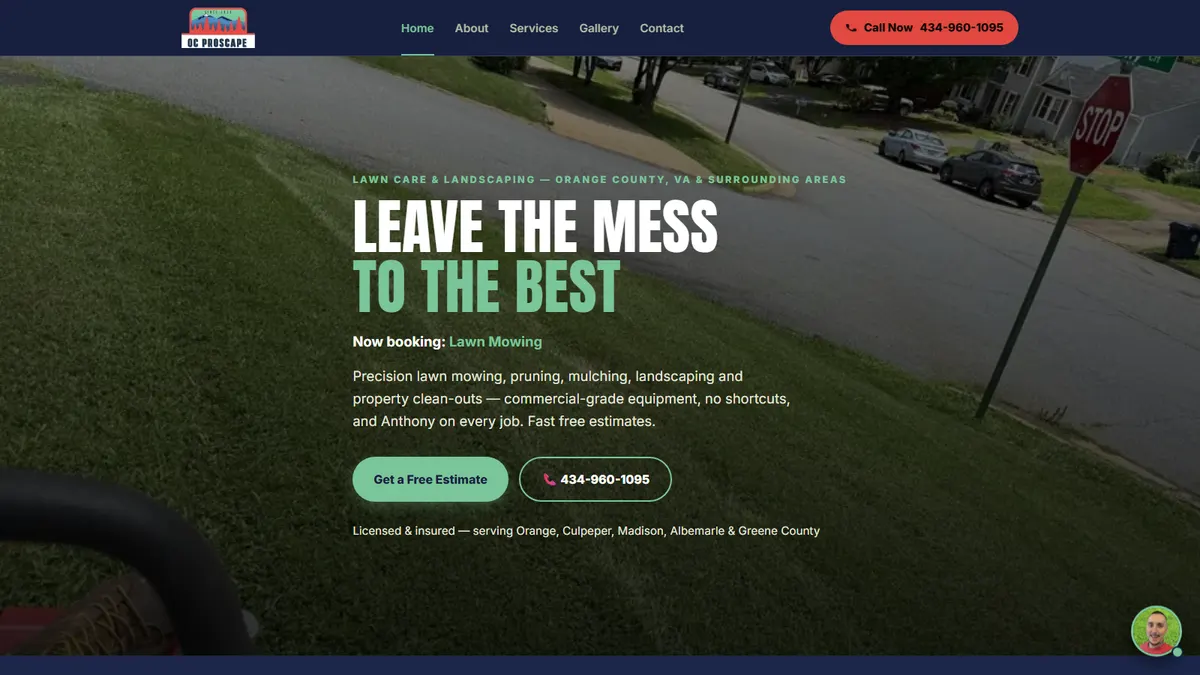
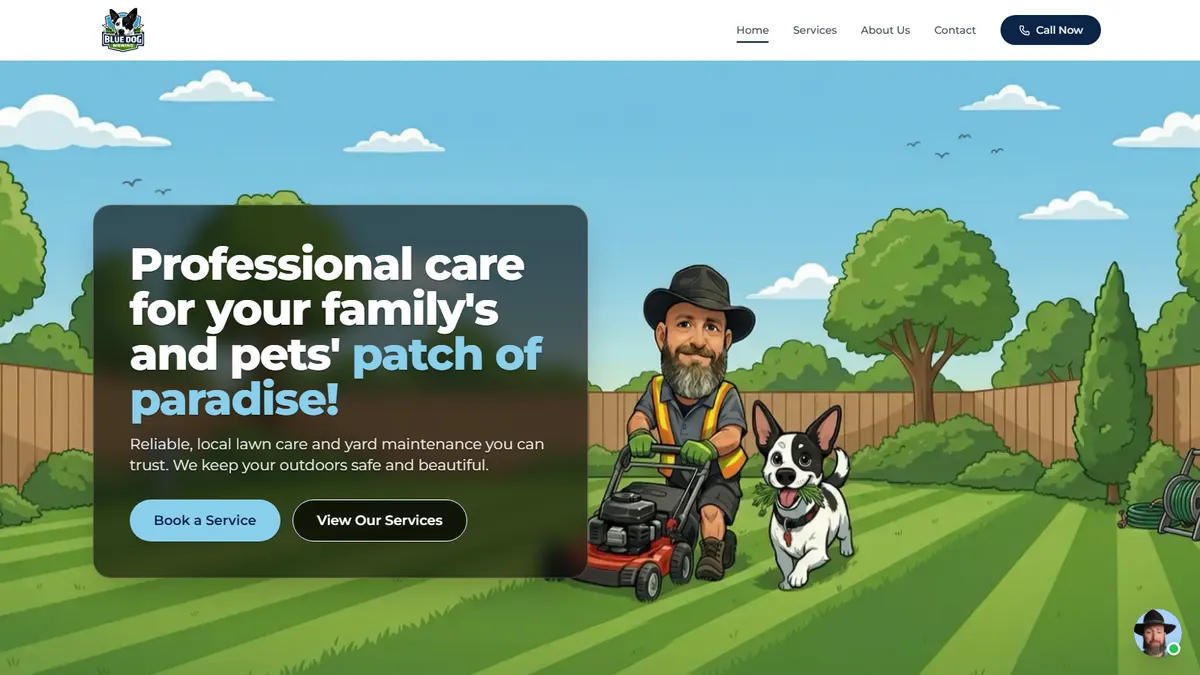
Real examples you can click: JT Land and Lawn in Texas, OC Proscape in Virginia, and Blue Dog Mowing in Queensland.
Side by side
| Option | Price (USD) | Who builds it | Google profile set up |
|---|---|---|---|
| Wix | $17 a month, paid yearly | You | No |
| Squarespace | $19 a month, paid yearly | You | No |
| GoDaddy | $9.99 a month first year | You, with AI | No |
| Hostinger | $2.99 a month for 4 years, then $10.99 | You, with AI | No |
| WordPress | Free software, plus hosting and domain | You | No |
| Web designer | Fiverr to about $2,000 up front | Them | Sometimes, for extra |
| Lawnmowing101 | Free build, $59 a month if you keep it | Me | Yes, included |
The cheapest builder is not the cheapest website. The part nobody puts in the price is your time. On my numbers you need about $60 an hour on the mower to make a lawn business pay. A do-it-yourself site that takes two weekends is 20 hours. That is $1,200 of mowing, before the first visitor turns up.
More: How to quote on lawns shows where the $60 an hour comes from.
Do today: Google your business name and your town on your phone. If you do not come up, or you come up with no website, that is a customer booking somebody else. Pick one option from this list and get something live this week. A plain site that is live beats a perfect one you are still working on in March.
Frequently asked questions
Do I need a website if I have a Facebook page?
Yes. A lot of homeowners never open Facebook to find a lawn guy. They Google it. A Facebook page is worth having as well, but it is not where most searches end up.
More: Creating a Facebook page for a lawn care business
One page or lots of pages?
For a small local lawn business, start with one page that does the job well. Add a page for each main service and area once the calls are coming in. One good page beats five half-finished ones.
How long until my website shows up on Google?
Nobody can promise you a date, and be wary of anyone who does. Get your Google Business Profile set up, link it to your site, and start asking customers for reviews. That is what moves you up in your own town.
More: How to get Google reviews for lawn care
What is the best free lawn care website builder?
Wix has a free plan, but it has Wix’s name in your web address and ads on your site. For a business that looks worse than no site. Pay for a domain of your own. It is the cheapest part of the whole thing.
Can I move my site later?
Make sure the domain is registered in your name, whoever builds the site. If it is, you can always take your web address with you. If it is in someone else’s name, you are stuck with them.
More: 21 great ways to market your lawn care business

34 years mowing lawns. Built it up to five vans and 450 contracts, then cut back to a 20-hour week on the best lawns. My story.
Want me to build yours first?
Two-minute form. Live link usually within 72 hours. Only pay if you keep it.